
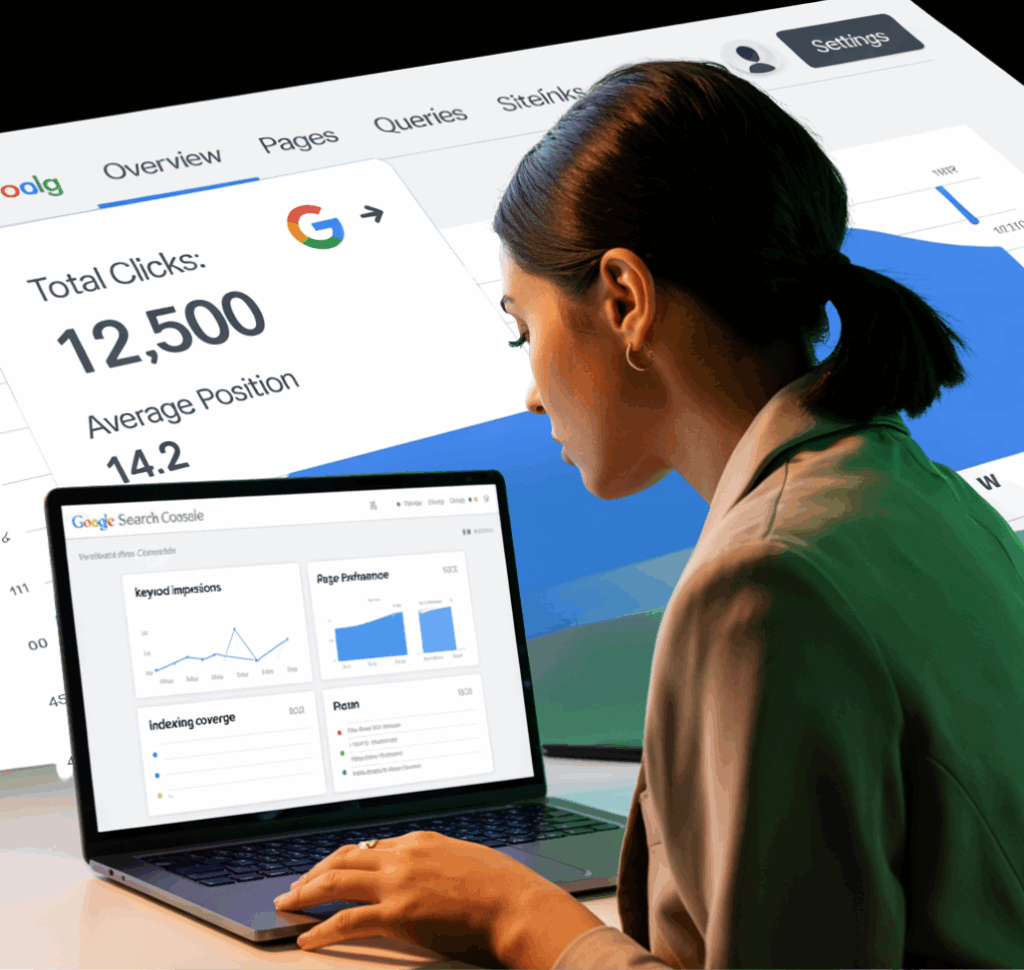
If you’re a business owner, there’s one free tool that can immediately boost your digital strategy: Google Search Console.
At WAM Strategies, we always recommend starting with data—and this powerful, free platform gives you exactly that. In this post, you’ll learn what Google Search Console does, why your business needs it, and how to use it to improve your online visibility, fix errors, and get found on Google.
Why Every Business Needs Google Search Console
Whether you’re a small business or an eCommerce brand expanding across the U.S. or globe, online visibility is everything.
According to BrightEdge, organic search drives over 53% of all website traffic—and Google remains the most dominant search engine. But how do you know if your site is showing up?
That’s where Google Search Console comes in.
This free tool shows:
- How many people are seeing your site on Google
- What keywords they’re using to find you
- Which pages are ranking (and which aren’t)
- Mobile usability issues
- Broken pages or crawl errors harming your SEO
In short: It’s your website’s health report, SEO dashboard, and traffic tracker in one.
Features & Benefits of Google Search Console
Here’s why we love it (and why you will too):
- Performance Tracking
See clicks, impressions, average position, and CTR for each page and keyword.
Optimize based on real search behavior.
- Index Coverage
Spot indexing issues that prevent your pages from appearing on Google.
Easily fix pages with errors or missing content.
- URL Inspection Tool
Instantly check how Google views any page on your site.
See if it’s indexed, mobile-friendly, and error-free.
- Sitemaps & Submissions
Submit your XML sitemap directly to Google for faster crawling.
Helps new content get indexed quickly.
- Mobile Usability Reports
Check how your site performs on mobile devices.
Crucial as mobile-first indexing is now the standard.
Step-by-Step: How to Use Google Search Console for Your Website
- Sign in at https://search.google.com/search-console using your Gmail.
- Add your property (website) and choose the URL prefix method for better tracking.
- Verify ownership using recommended methods (HTML tag, DNS, or Google Analytics).
- Submit your sitemap: Go to “Sitemaps” and enter sitemap.xml.
- Check performance: Navigate to the “Performance” tab to monitor keyword data.
- Inspect URLs: Use the URL Inspection Tool to check if your pages are indexed.
- Fix issues: Visit the “Pages” or “Mobile Usability” sections to find and fix errors.
Don’t forget: Consistently monitor your metrics to identify trends and SEO wins!
Case Study: Local DC Bakery Grows 45% Organic Traffic
A boutique bakery in Washington, DC, used Google Search Console to identify pages with high impressions but low clicks. He rewrote meta descriptions and titles using that data—resulting in a 45% increase in organic traffic within 3 months.
Small steps, big results.
Pro Tips from WAM Strategies
- Check weekly: Google updates data daily. Stay on top of trends.
- Rewrite low CTR pages: Improve titles and meta descriptions to drive clicks.
- Prioritize mobile usability: More than 60% of traffic comes from mobile devices.
- Pair GSC with Google Analytics: For deeper traffic insights and conversion tracking.
Monitor, Improve, and Grow
Google Search Console is more than a technical SEO tool—it’s your window into how Google sees your business.
At WAM Strategies, we help U.S.-based businesses and local DC brands make data-backed decisions using tools like GSC. You don’t need to guess what’s working—you just need to know where to look.
Ready to turn search data into sales growth?
Let’s build your custom SEO strategy together.